Printable family tree templates (free PDF)
Blank family trees, fan charts and pedigree charts to print and fill in by hand, on Letter or A4 paper. Or open any of them in the maker and type the names in.
Updated
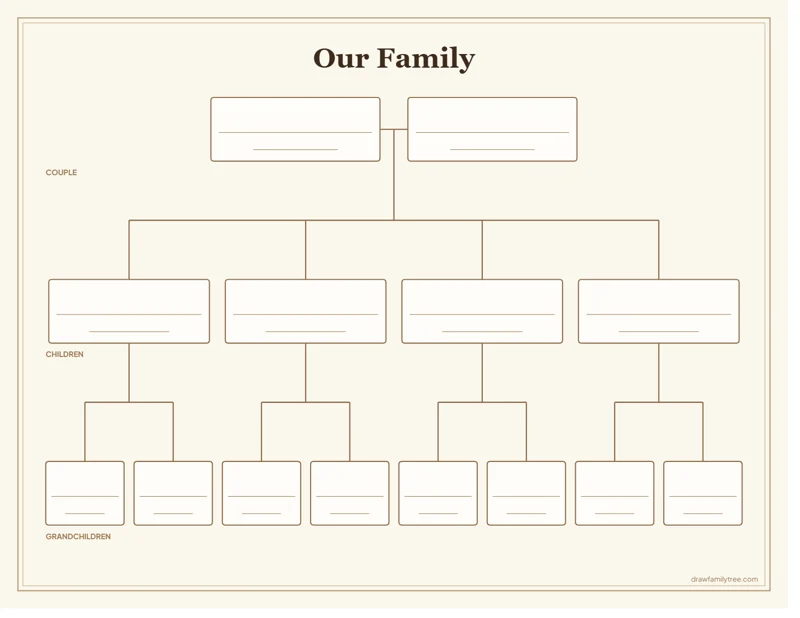
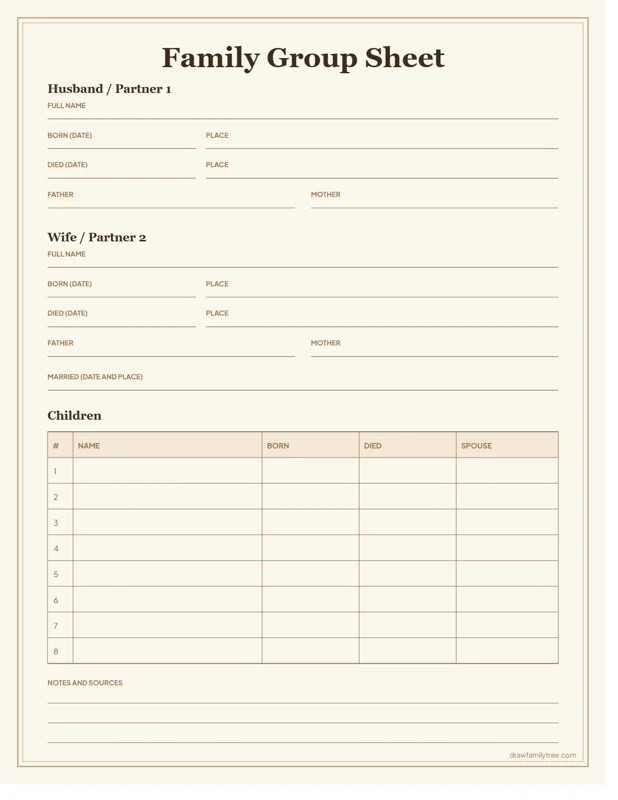
How to use a blank family tree template
- Open a template and download the PDF in Letter or A4. Print it at 100% (Actual size).
- Start with yourself, then your parents, then work backwards one generation at a time.
- Write in pencil first. Ask older relatives to check names, maiden names and years.
- Use a fine pen for the final version. If a name does not fit, write the first and last name and leave out middle names.
Tired of crossing out? Every template has a Fill it in online button that opens it in the family tree maker, where you can type the names and print a clean copy.
Which template is right for me?
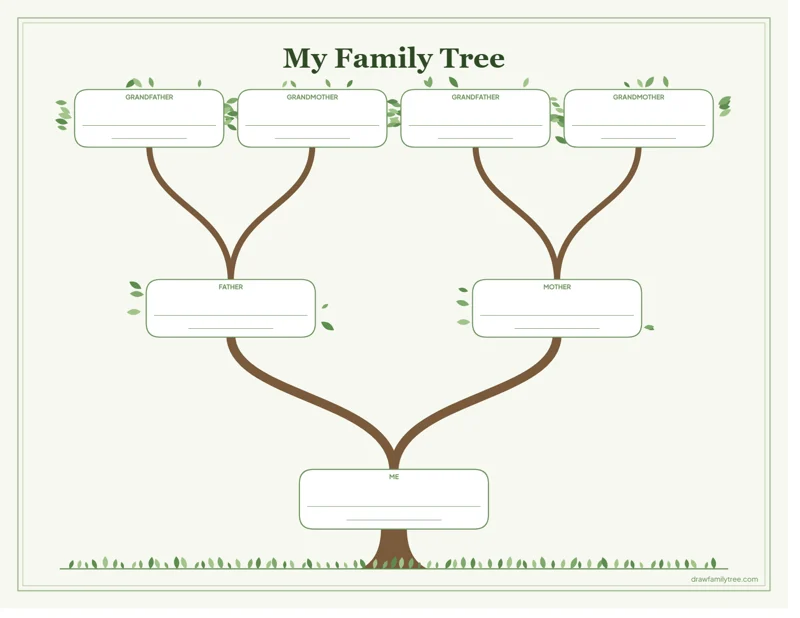
- For kids and school projects: the kids' family tree with 3 generations and labels.
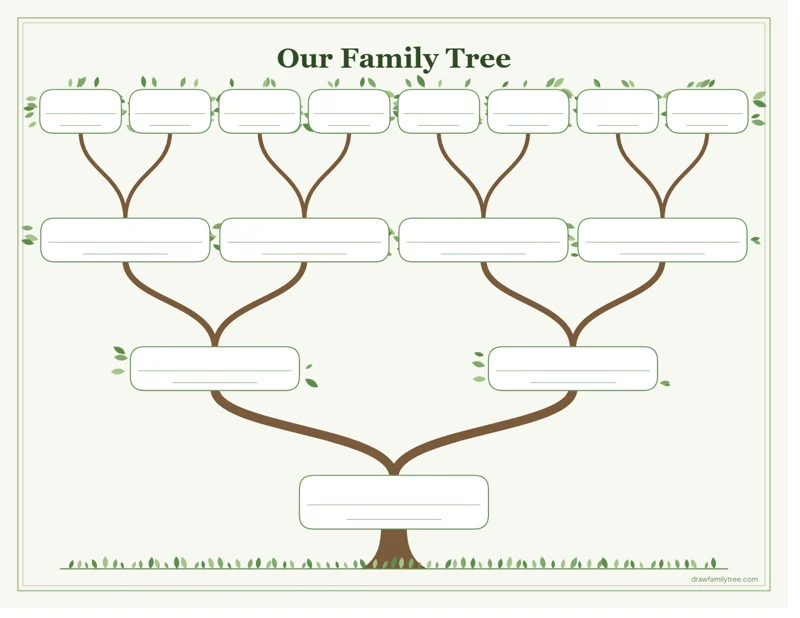
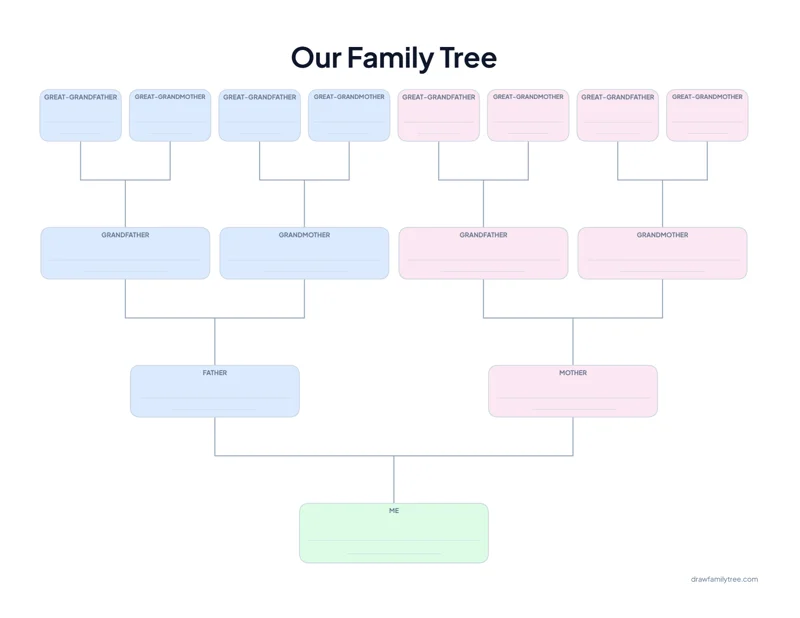
- For a gift or to frame: the family tree with branches or the modern family tree.
- For research: the pedigree charts and the fan charts.
- For a whole family, from grandparents down: the descendant chart.
How many people each template holds
Every generation back doubles the number of ancestors, so the templates grow quickly:
| Generations | People | Goes back to | Templates |
|---|---|---|---|
| 3 | 7 | Grandparents | Kids' family tree |
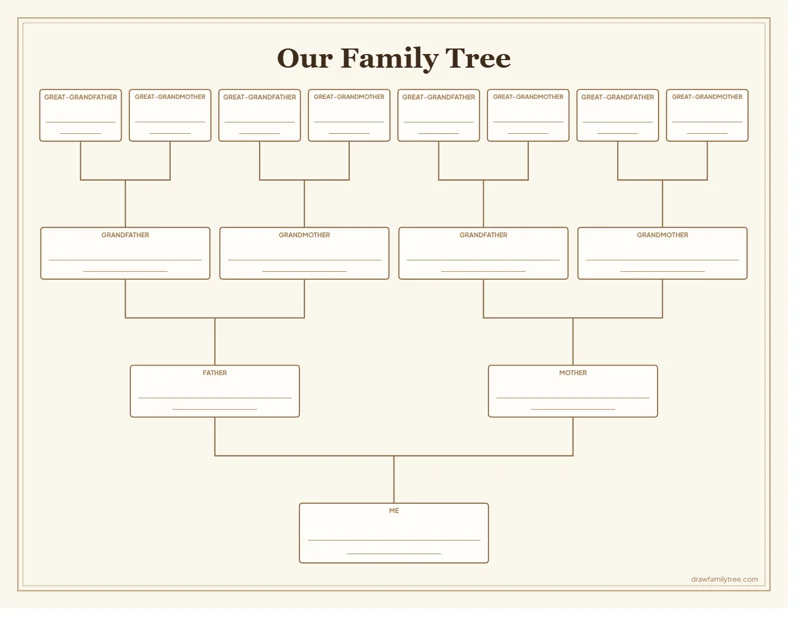
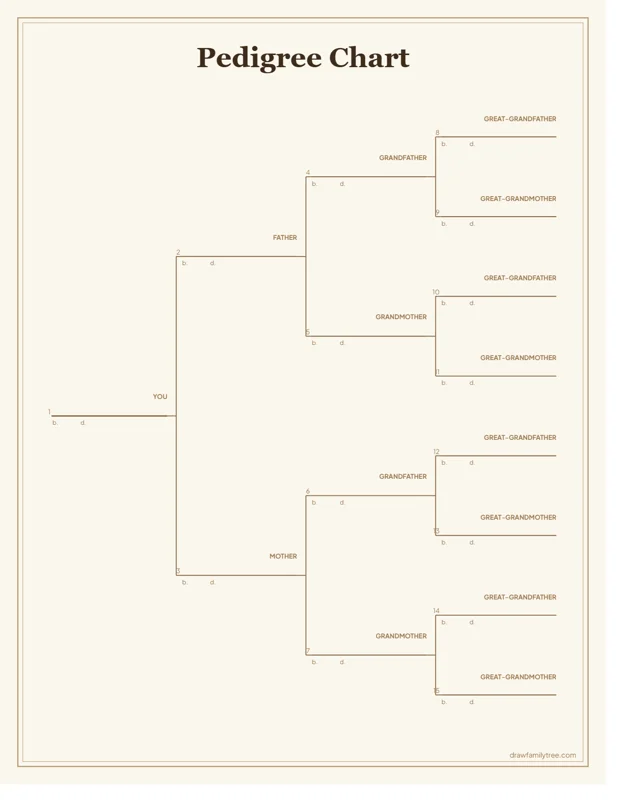
| 4 | 15 | Great-grandparents | 4-generation tree, with branches, modern, pedigree |
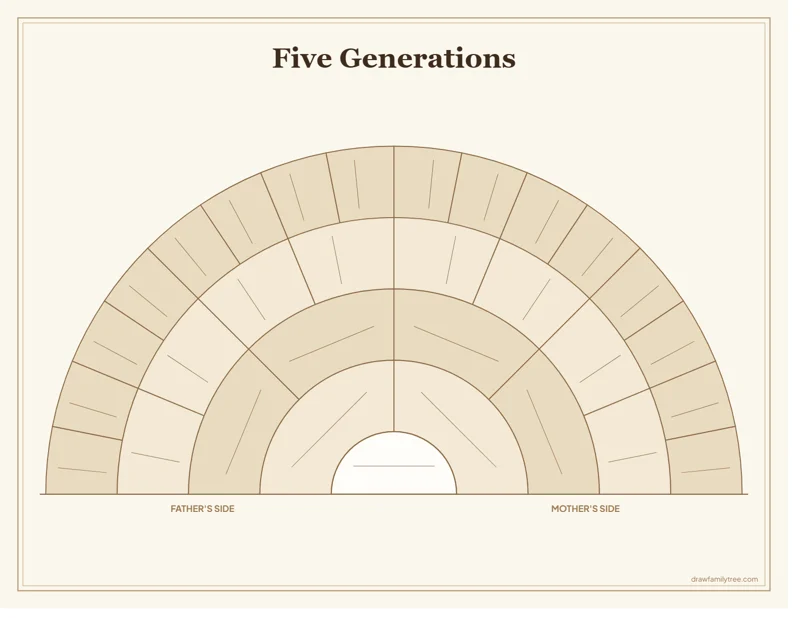
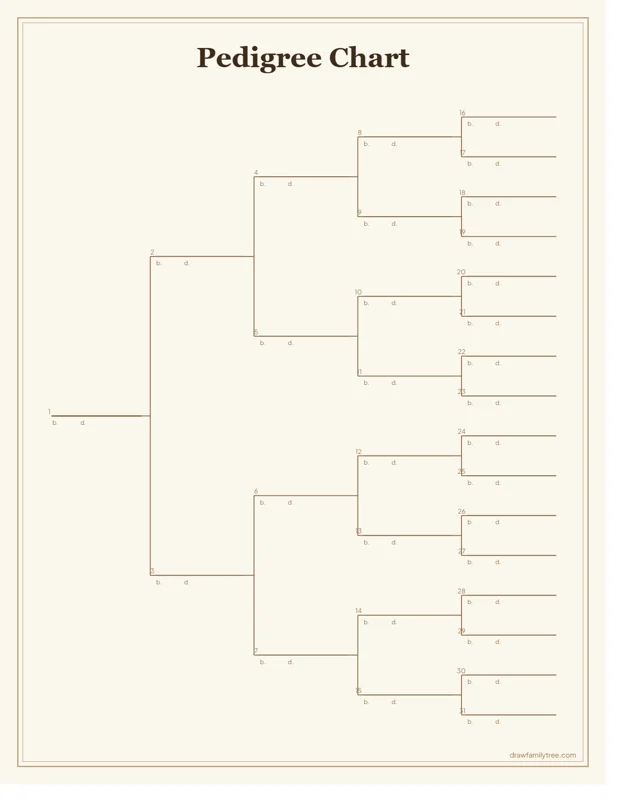
| 5 | 31 | Great-great-grandparents | Fan chart, pedigree |
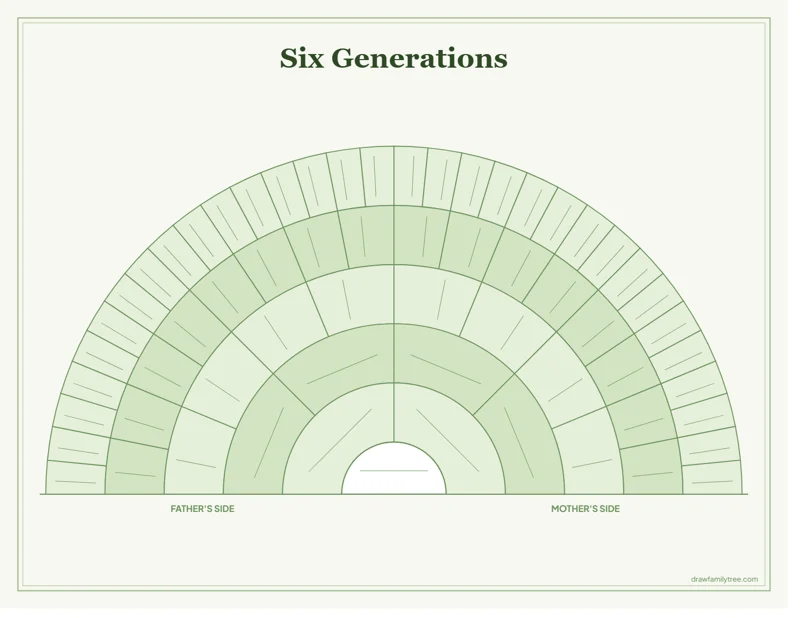
| 6 | 63 | Third-great-grandparents | Fan chart |
Questions
Is there a family tree template in Word or Google Docs?
Word and Google Docs have only a few, and moving boxes and lines around by hand is slow. These templates are ready-made PDFs: print them as they are, or click Fill it in online, type the names and download a finished chart.
Are the templates free?
Yes. No sign-up, no email and no watermark. Download as many as you like in Letter or A4.
Can I print a family tree bigger than Letter or A4?
Yes. The PDFs are vector graphics, so a copy shop can print them at 11 × 17 in, A3 or poster size and the lines stay sharp.
How many generations should a family tree have?
Three for young children, four for most family trees (15 people), and five or six for research and for showing a long family history.